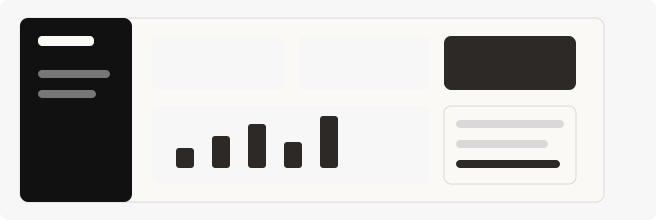
 Northstar MetricsUpdated recently
Design with Claude
Add Proxima Forma from the Claude catalog and turn your conversation into an editable design.
Add from the Claude catalog
Find Proxima Forma under Connectors, connect your account, and choose what Claude can access. On Team and Enterprise plans, your organization may need an owner to enable the connector first.
- 01
Open the Claude catalog
Customize › Connectors › DiscoverOpen Claude on the web or desktop and browse the connector catalog, or use the Add to Claude button above to open the listing directly.
- 02
Add Proxima Forma
Proxima Forma › ConnectSearch for Proxima Forma, open its listing, review its capabilities, and choose Connect to begin setup.
- 03
Connect your account
Sign in › Review access › AuthorizeSign in to your Proxima Forma account and approve the access Claude needs. You’ll need an account and access to a canvas to start designing.
- 04
Enable it in chat
New chat › + › Connectors › Proxima FormaEnable Proxima Forma for the conversation, then ask Claude to find your canvas and create or revise a design. Open the same canvas in Proxima Forma to follow the changes.
Featured projects
Northstar MetricsUpdated recently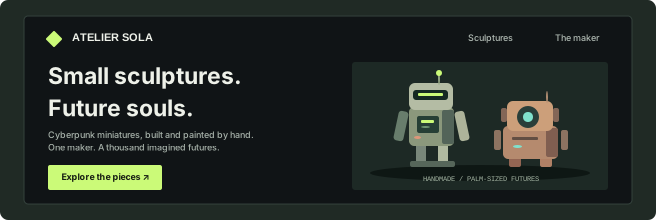 Atelier SolaUpdated recently
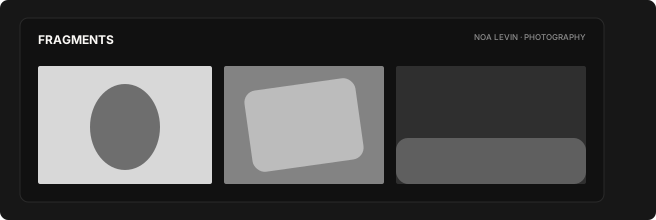 FragmentsUpdated recently
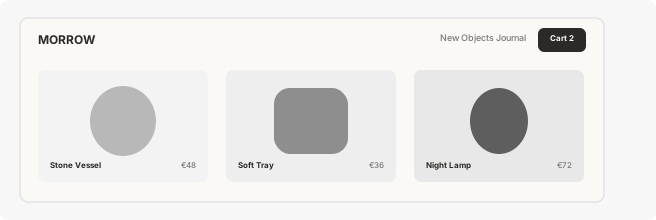 Morrow GoodsUpdated recently
Monaco EUpdated recently
CloudlineUpdated recently
Tide HouseUpdated recently
AurumUpdated recently
NiboUpdated recently