 Northstar MetricsUpdated recently
Design with ChatGPT
Describe what you want. ChatGPT turns it into a Proxima Forma project.
Official ChatGPT pluginPending approvalTry it now in developer mode
Try it now with Developer Mode + MCP
- 01
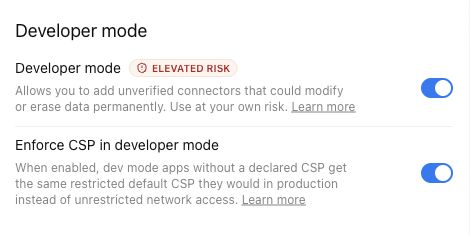
Enable Developer Mode
Settings › Apps › Advanced settings › Developer modeTurn Developer mode on for your account. On managed workspaces, an admin may need to enable access first.
- 02
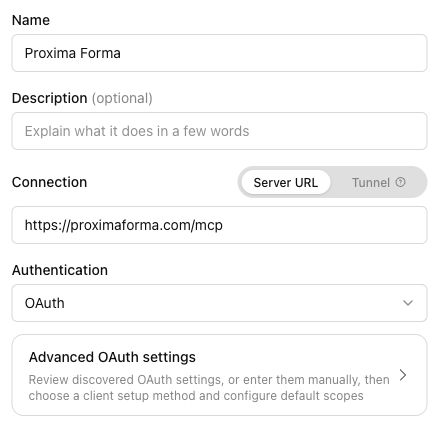
Create the Proxima Forma app
Settings › Apps › CreateUse these values when creating the custom app. Authentication is configured separately in ChatGPT.
NameProxima FormaMCP Server URLhttps://proximaforma.com/mcp - 03
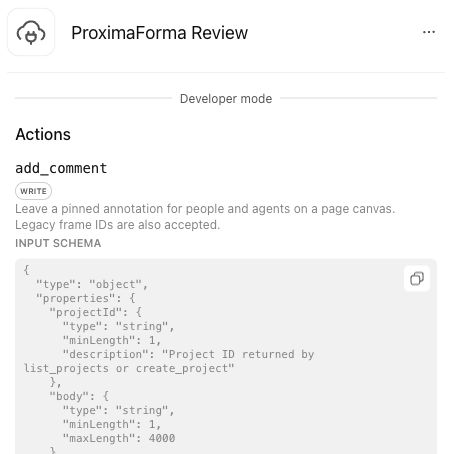
Scan and review tools
Create app › Scan Tools › review actions › CreateLet ChatGPT discover the MCP tools. Complete authorization if prompted, review the available actions, then create the app.
- 04
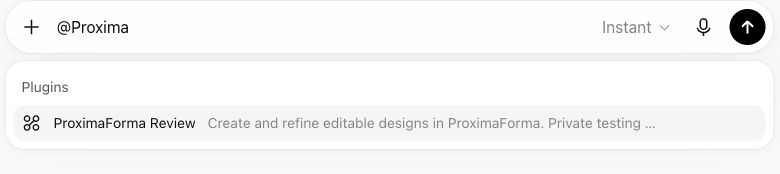
Use Proxima Forma in chat
New chat › Apps › Proxima FormaSelect the app for the message, then describe what you want to create or revise.
App mention@Proxima Forma
Featured projects
Northstar MetricsUpdated recently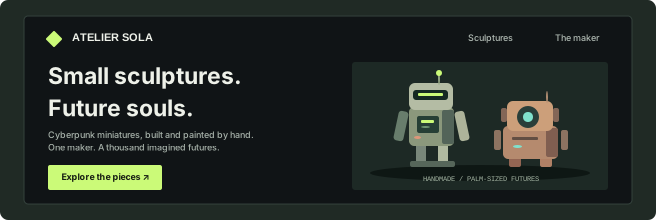 Atelier SolaUpdated recently
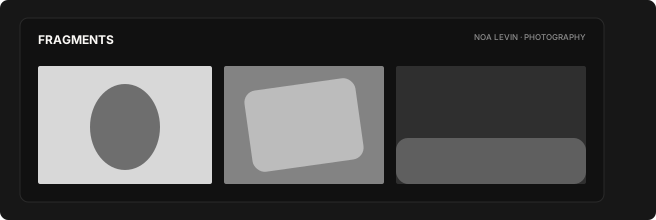 FragmentsUpdated recently
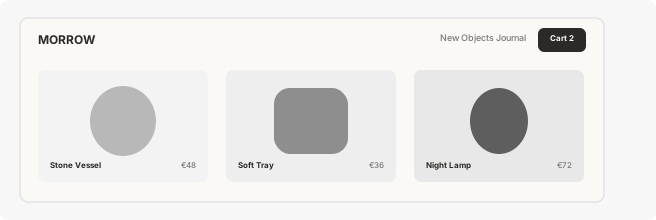 Morrow GoodsUpdated recently
Monaco EUpdated recently
CloudlineUpdated recently
Tide HouseUpdated recently
AurumUpdated recently
NiboUpdated recently