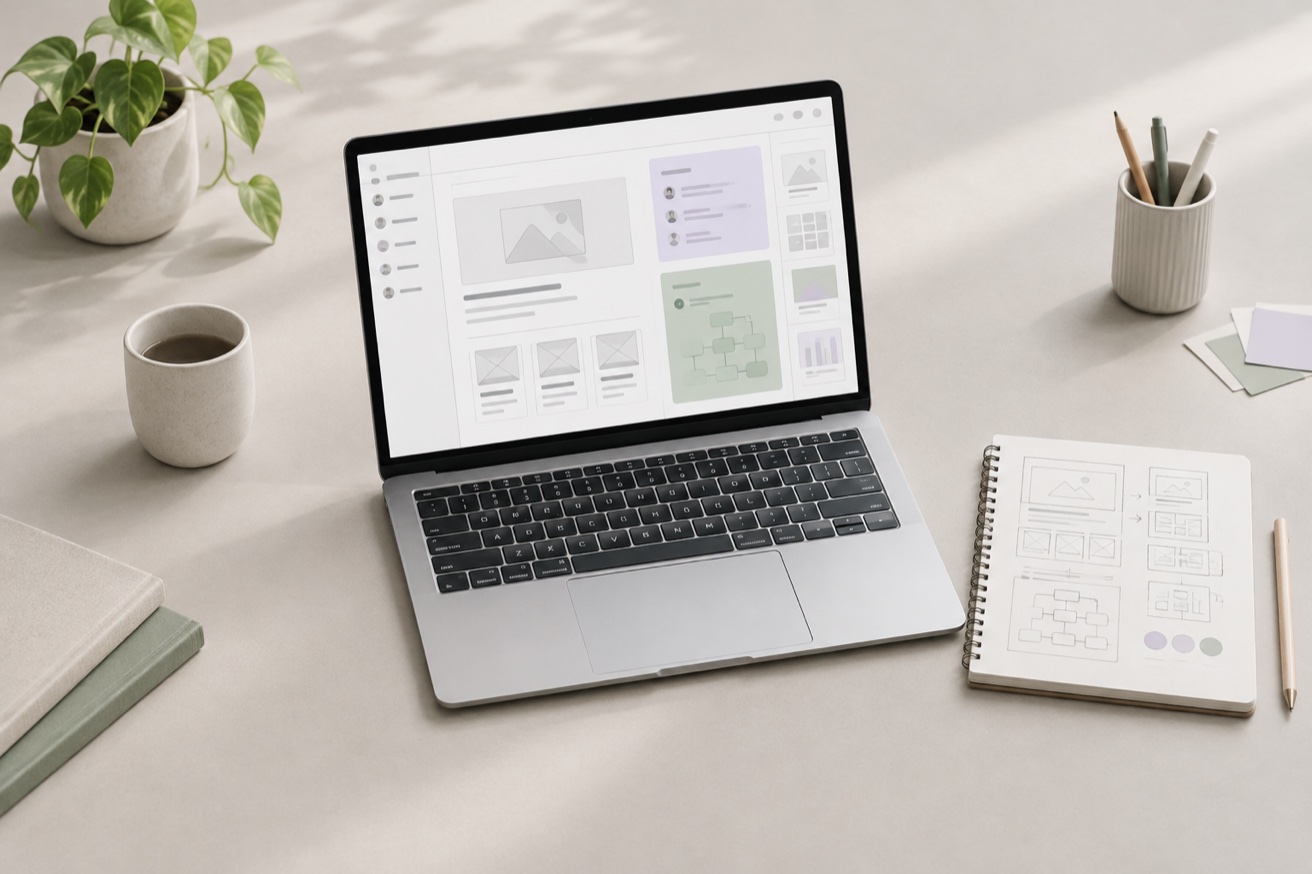
One place for the next version of your idea.
A design rarely arrives fully formed. You start with a direction, try a layout, spot something that could be clearer, and try again. Proxima Forma gives that process a shared visual space.
People and connected agents work with the same frames, text, shapes, images, and vector paths. An agent can help build a first pass, while you review the result and decide where it should go next.
Keep the design open to change.
The canvas holds editable elements. You can ask an agent to adjust the hierarchy, leave a comment beside the part that needs attention, or open the manual editor to move a layer and refine its properties yourself.
Organize related screens into pages so that a product flow, its references, and its component studies have room to develop without losing the wider picture.
Give your agent a clear starting point.
A good first request describes the audience, the task, and the feeling you want the interface to create. Add a reference when you already have a visual direction. Then work in small, reviewable steps.
Create a calm welcome screen for a ceramics studio. Use a clear headline, a short introduction, and one primary action. Keep the text and shapes editable, and explain your layout choices.Review together. Take the work with you.
Invite a reviewer to see or comment on a canvas. Use the design history to understand how the work evolved, and export SVG or structured JSON when you need to take the design into another workflow.
Proxima Forma is a visual design workspace. Turning a design into a working application is a separate step for you and your development tools.
Start creating